
Description
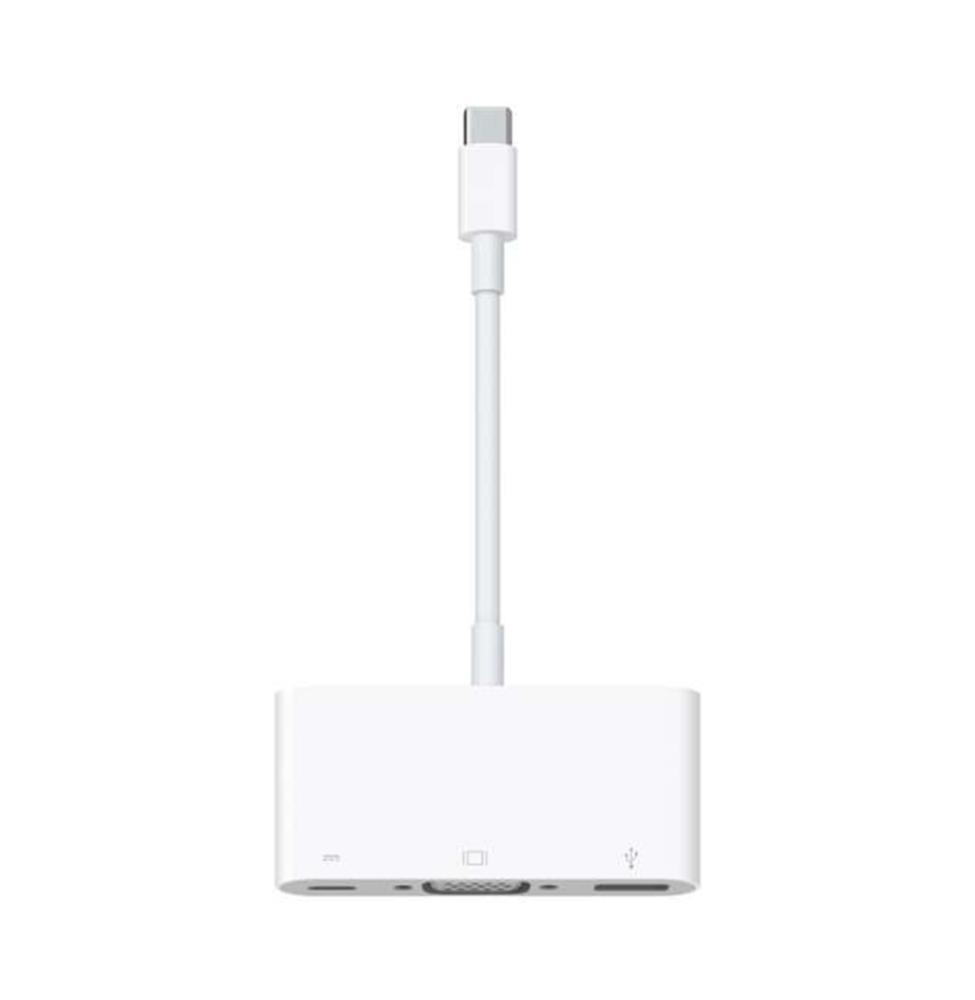
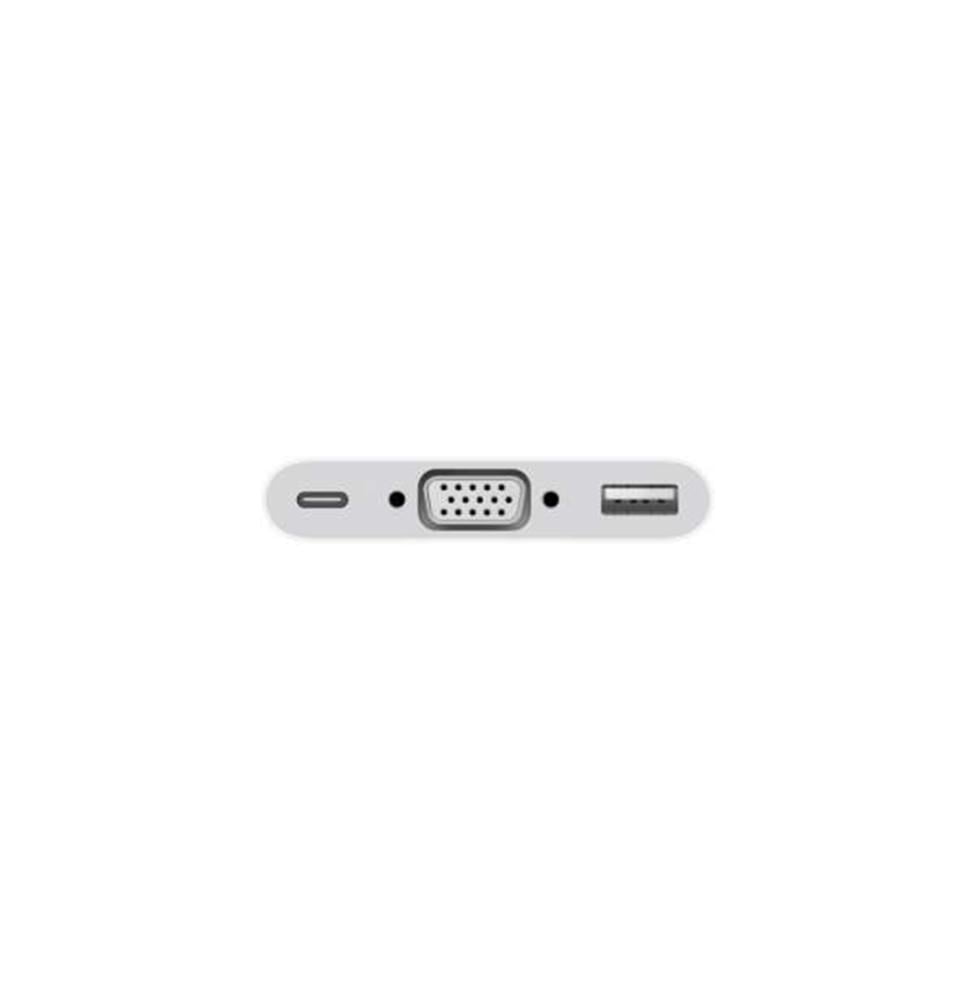
To convert your Type-C device to a VGA projector, you'll need a USB-C to VGA adapter, such as the Apple USB-C to VGA Multiport Adapter. This adapter provides a VGA port for up to 1080p video transmission, as well as an additional USB port and charging feature, allowing you to charge your device while presenting. You can connect this adapter to your device and then connect a VGA cable (sold separately) to the projector.
Delivery steps:
- 1. Connect the adapter to your device:
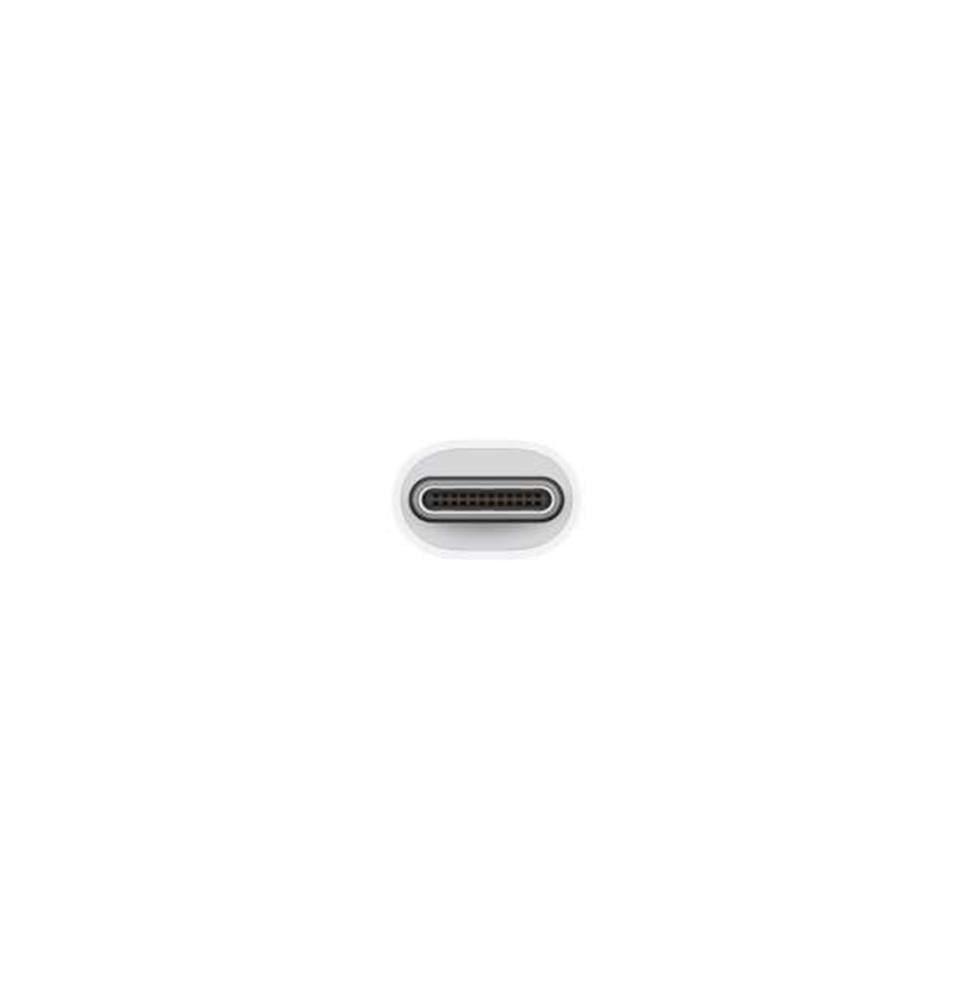
- Connect the adapter to the USB-C port on your iPad or MacBook.
- 2. Connect the VGA cable:
- Connect a VGA cable (not included with the adapter) to the VGA port on the adapter.
- 3. Connect the VGA cable to the projector:
- Connect the other end of the VGA cable to the VGA port on your projector or monitor.
- 4. Adjust display settings:
- Select the appropriate input source (VGA) on your projector, and your device's screen will appear automatically.
Main features of the converter:
- Video support:
- Supports VGA connection for video display up to 1080p HD.
- Charging while in use:
- Provides a USB-C port for fast charging of your device while displaying.
- Additional ports:
- May include additional USB ports for connecting accessories such as drives.
- Portable design:
- It features a small and compact size for easy portability.
Warranty: Operation